
Systems
Cam Starter
Cam Starter gives first-time CAM users a simpler way to prepare desktop CNC work without loading the page with workshop jargon. It is suited to makers who need sensible defaults for small routers, common sheet materials, and short-run parts on a bench machine.
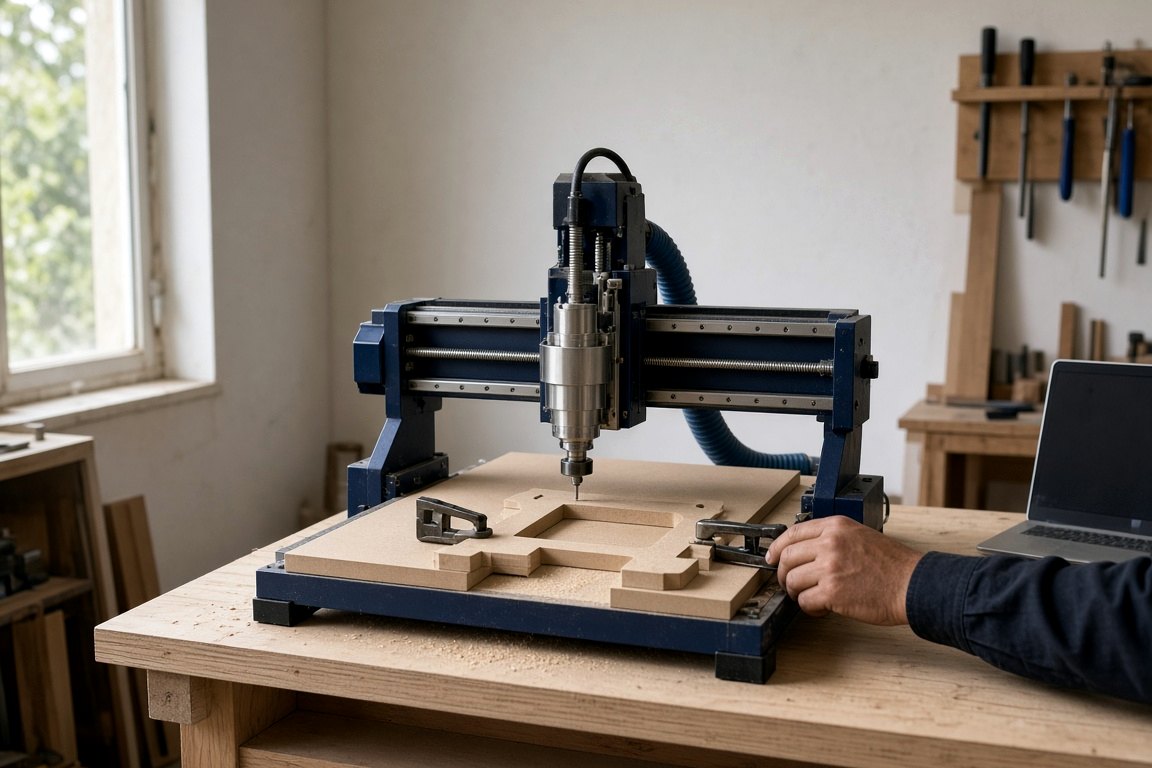
First CAM jobs on the bench
Cam Starter is aimed at owners who need a cleaner first step into CAM work for desktop CNC jobs.
Begin with the drawing, then match feeds, depths, and holding method to the stock on hand. MDF, plywood, acrylic, and thin aluminium each behave differently on a desktop CNC, especially when dust extraction is modest and spindle power is limited. The page speaks to workshops in Johannesburg, Durban, Cape Town, and smaller centres where bench space and power stability matter as much as software choice.
Keep a record of the first successful setup before changing anything. A saved screenshot of tool settings, zero position, and clamping layout helps when the same part returns after a few weeks, or after power cuts interrupt the run. That small habit often saves material on repeat jobs.
What Cam Starter covers
The focus is on getting from drawing to a usable toolpath with fewer beginner errors. Expect guidance around stock setup, cutter selection, safe start points, tab use, and the checks to make before pressing cycle start. For small desktop CNC work, clear settings matter more than long lists of advanced features.
Use Cam Starter as the starting point before expanding into more involved machining work or extra fixture setups. Check machine travel, collet size, extraction, and available cutters before sending an enquiry. A photo of the current machine or workbench is useful when the job involves limited space or an unusual hold-down arrangement.
Checklist
- Starter CAM settings for bench routers
- Zero point and clamps checked first
- Notes for desktop CNC enquiries
Workshop conditions that change CAM
Many local makers are fitting CNC work into shared spaces, school workshops, garages, or small production rooms. That changes how jobs are planned, especially when extraction is basic, cutter stock is limited, or the machine must be packed away after use. Cam Starter suits that kind of setup by keeping attention on workable cut settings and repeatable checks.
Coastal air changes cleaning and storage. Inland dust changes how often rails, shields, and work surfaces need attention. Power cuts affect when you start a long run. A demo slot should prove the machine on real material, not fill time with sales talk.
Operated by Astros Marketing (Pty) Ltd from 2 Makro Place, Sunnyrock 1401.
Useful details before cutting
Share the material type, thickness, drawing format, and the smallest feature that must cut cleanly. It also helps to note whether the part is a once-off prototype, a school project, signage work, or a repeat production item.
Keep the job record with the chosen cutter, spindle speed, pass depth, and final result after the test cut. When the same component comes back later, those notes make it easier to repeat the setup on the same desktop CNC without guessing what changed.
What our Benchtop CNC customers say
Verified Google reviews