
Labs
Multi Site
A desktop CNC approach for teams working across more than one site, planned for South African businesses sharing methods and stock.
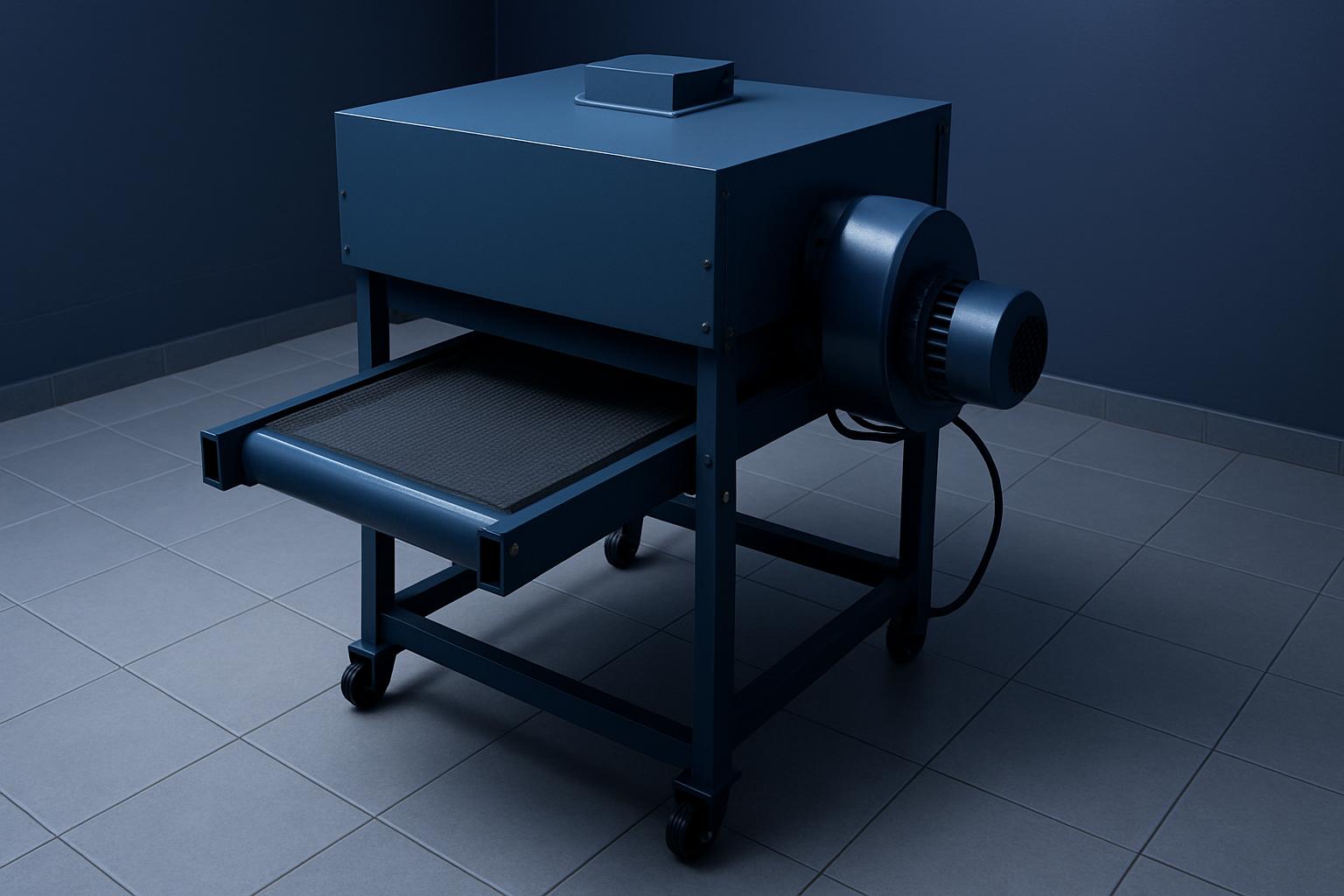
Shared setups across two workshops
Multi Site looks at desktop CNC choices for teams running the same work in more than one place. It focuses on keeping tooling, job setup and stock decisions aligned across South African workshops so one site is not guessing what the other ordered.
Multi Site is for teams cutting the same parts in more than one workshop and needing the result to match. One branch may be running MDF cabinet templates while another cuts acetal, aluminium or signage plastics, so cutter choice, spoilboard method and hold-down cannot be left to memory. South African stock availability and freight between cities also matter when both sites must buy the same sheet size and tooling range.
Start every duplicated job with a reference pack that includes machine settings, zero point photos and the exact cutter used. When one site restarts after power cuts or a tool swap, those records stop small changes from becoming scrap. A labelled setup image beside the machine often settles arguments faster than a phone call.
What each branch should share
The useful output is not just a machine choice. Multi Site needs a repeatable job sheet, matching consumables, and a short list of checks for spindle speed, tool stick-out and material thickness before cutting starts. That keeps one workshop from compensating for differences the other site never recorded.
Use this Multi Site page alongside the matching lab note when you are standardising more than one bench. Before moving stock between branches, check crate labels, collet sizes, clamps and spare cutters against the same list. For a desktop CNC comparison, tell us what you cut most often and how much bench space the machine will have.
- Matching cutters across separate benches
- Zero point recorded at every site
- Notes arranged by workshop location
Checks that differ by region
A branch in Johannesburg may store sheet stock and cutters very differently from one near the coast. Humidity, dust, courier frequency and available power backup all affect how closely two workshops can mirror each other. If one site has an older extraction setup or a lighter bench, that should be written into the operating notes rather than patched over later.
Coastal workshops often need stricter care around bare tooling, collets and packed electronics. Inland sites usually fight fine dust on rails, cable chains and workholding surfaces, especially where boards are cut all day. Long jobs should also be planned around power conditions so both locations use the same restart checks after an interruption.
Operated by Astros Marketing (Pty) Ltd from 2 Makro Place, Sunnyrock 1401.
Information to gather per site
Send the machine model, table size, extractor type and the materials each branch cuts most often. Include photos of the bench, power point position and where stock is staged before loading. That makes it easier to spot where two sites look similar on paper but differ in ways that affect repeatability.
Keep one record for the approved tool library and another for live job changes. When a buyer, lecturer or workshop lead asks why one branch cut differently, the answer should be in the saved setup notes, cutter list and material call-out for that exact run.
What our Benchtop CNC customers say
Verified Google reviews