Insights
Subject Lines
A better way to label jobs and files so the right G-code lands on the right machine.
File names and email subjects do more work than they seem to. In South African CNC ordering and support, confusion often starts when a job file, machine model, or cutter size is left out of the message. Subject Lines gives a clearer way to label requests so the right details travel with the job.
Naming jobs clearly keeps machine, material and tool details from going missing between inbox, desktop CNC and bench PC. In South African workshops, confusion often starts with a file called final.nc or panel-test.tap and no machine name beside it.
File details that must travel
- Machine model written first
- One file name matched to the cut list
- Job code repeated in mail and folder
- Tool size, material, and zero named
Use the machine notes that match your router, spindle and controller. A file label that suits one setup can still mislead the next bench if model names are missing.
Naming jobs across mixed benches
Subject Lines deals with clearer job and file naming for CNC work. When files, emails, and G-code are labelled properly, the right program is far more likely to land on the right machine.
Begin with the machine, then the stock, then the cutter or operation. That order matters when MDF, acrylic and aluminium parts are moving through the same small shop in Johannesburg, Durban or Cape Town. A compact desktop CNC often shares space with print, laser or assembly work, so names must stand on their own without verbal handover.
Use the same wording on the drawing export, CAM file and emailed request. When the bench gets reset, a clear name helps the next operator match spoilboard position, workholding choice and zero reference before loading G-code. Even a simple suffix like top, pocket or profile can prevent the wrong program being opened.
What the label should achieve
A good job label tells the operator what runs where, what stock is expected, and which cutter assumption was used when the code was posted. That is more useful than vague names built around latest, rev2 or final-final. On a maker bench, plain naming is often the cheapest check in the whole process.
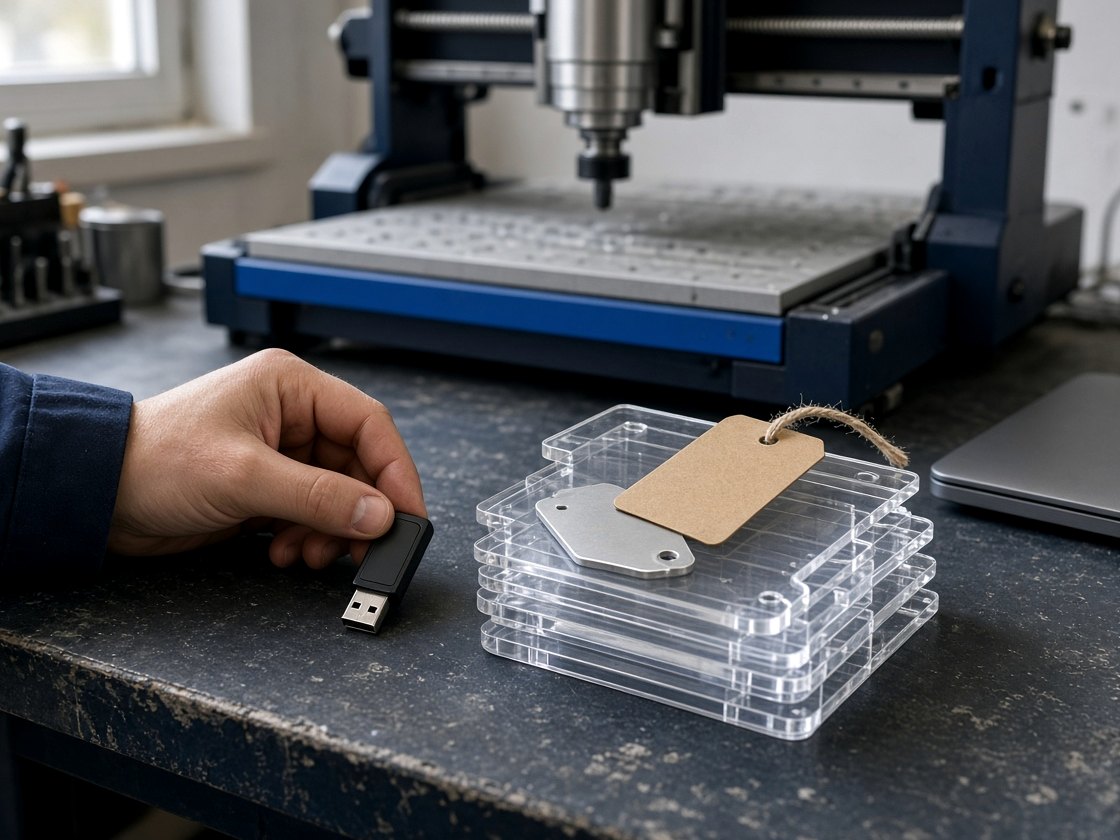
Before widening the brief, compare the file name with the machine note, the tool list and the outgoing attachments. If a crate, accessory pack or labelled memory stick is leaving Durban with the job, the same wording should appear on every item. Paste the exact text from the file and email header so the mismatch can be seen quickly.
- Names that match machine reality
- Zero point stated before first cut
- One message thread per job
Workshop conditions that affect naming
South African shops often pass files between owner, operator, student, client and courier without a shared filing rule. That is where machine abbreviations, board thickness and cutter callouts need to be explicit, especially when work is split between once-off prototypes and repeat parts. Keep school jobs, customer revisions and production batches in separate naming patterns so old code does not get reused by mistake.
Power-cut interruptions make restart discipline more important, not less. Coastal humidity and inland dust do not change the file name itself, but they do increase the value of notes about tool condition, stock side and hold-down method when a run is resumed later. If two benches use different controllers, put that distinction in the name rather than assuming the folder will explain it.
Operated by Astros Marketing (Pty) Ltd from 2 Makro Place, Sunnyrock 1401.
A naming pattern worth keeping
A better way to label jobs and files so the right G-code lands on the right machine.
File naming rules work best when they sit beside the cut list and machine settings for that job. Keep the naming record with the buyer record, school admin file, or client email trail so spindle speed, material thickness, and machine model stay attached to the same reference.