Why a lab router needs a spares plan
A school CNC lab cannot pause for three weeks while a part is shipped. Lessons are booked, projects are due, and a router that stops halfway through term can take a whole module with it.
A common case: a coolant hose gets knocked loose in a busy double lesson, the spindle runs a long cut without cooling, and by the end of the period it sounds rough. The right move is to stop the machine and note the machine model, the failed part and the material being cut, as our parts support page asks. What happens next depends on whether the right spare is close at hand.
A router size that suits a classroom
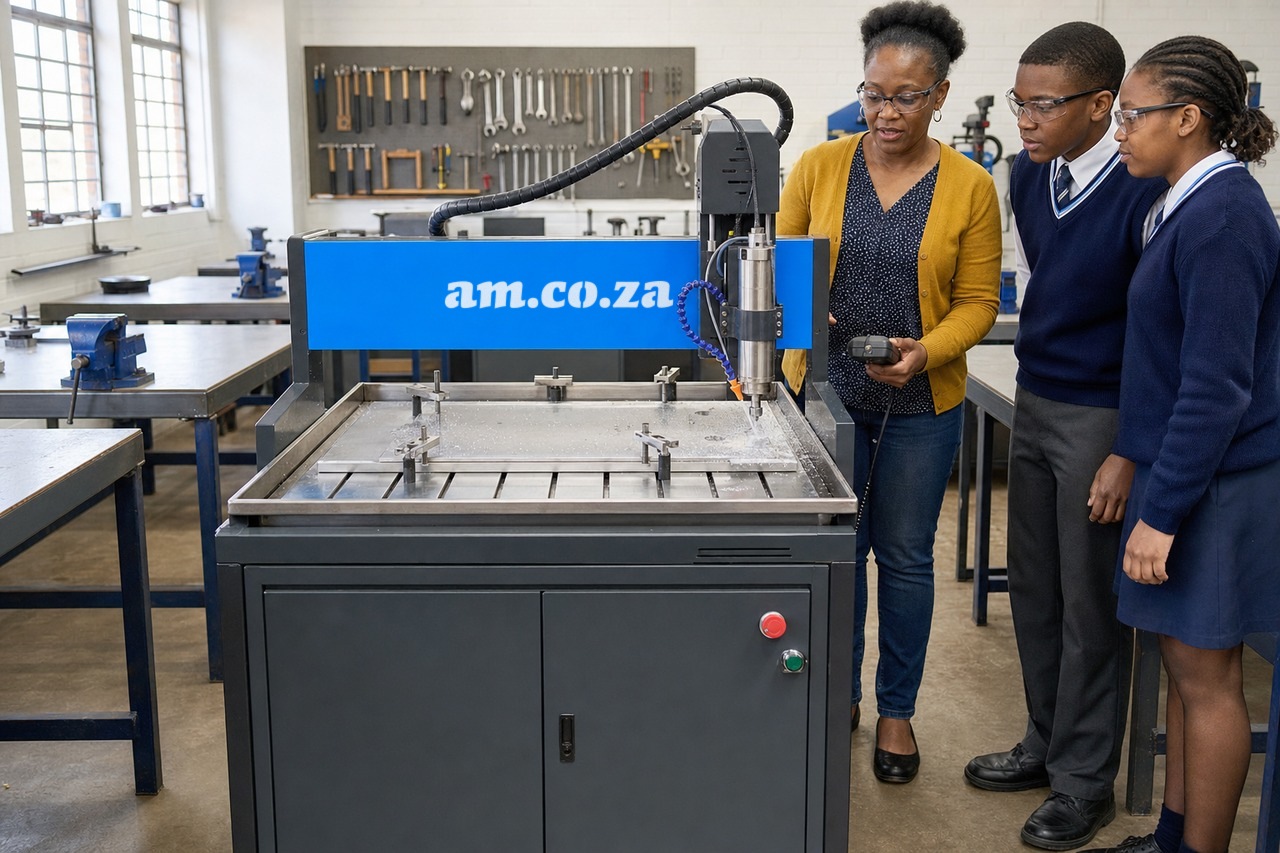
For senior grades cutting light aluminium, plastics and sheet timber, we would recommend the EasyRoute-Express 600 x 900mm 1.5kW CNC router from AM.CO.ZA. It has a water-cooled 1.5kW spindle, a clamping table with a stainless steel water tray, a coolant sprayer and water pumps, and a control keypad. Cut files run from a USB flash drive, and the working area is 600 x 900 x 150mm.
It pairs well with our Edu Desktop for MDF, plywood and modelling board, and it fits the kind of room set out in our Centurion Lab layout. AM.CO.ZA’s note on which router size fits which room is worth reading before a lab is planned.
The spares worth keeping beside it
A spindle failure should be a swap, not a project. These AM.CO.ZA parts match the EasyRoute-Express and are worth keeping on a Spares Bridge shelf next to the router:
- A 1.5kW water-cooled spindle, 65mm diameter, ER11, 220V and 24000 RPM.
- A 1.5kW single-phase 220V inverter for spindles up to 1.5kW.
- An ER11 collet set with 3, 4 and 6mm collets. Collets that have taken heat with a spindle are worth replacing at the same time.
- A set of four T-slot clamping kits for the odd-shaped offcuts learners always bring.
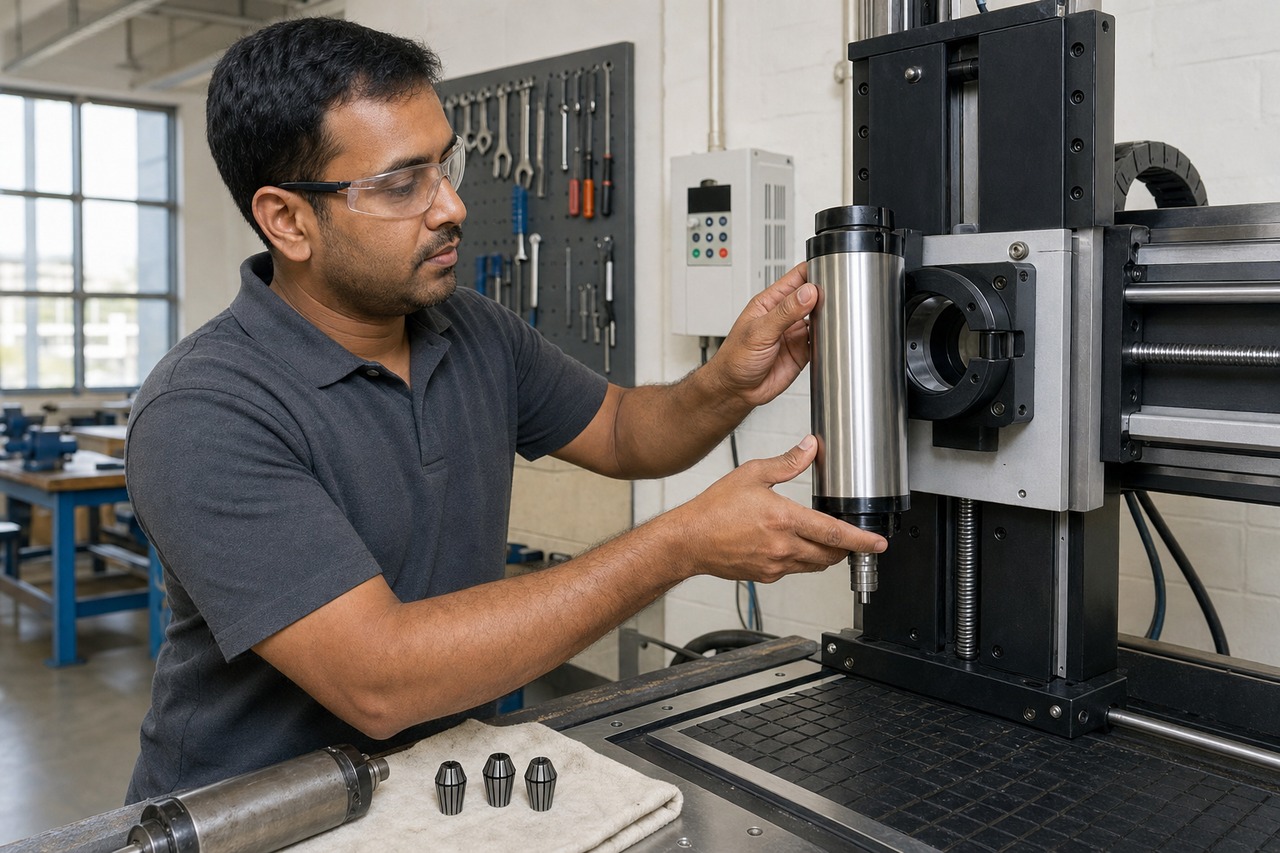
When a new spindle goes in, check the run-out and refit the coolant lines with proper clips before the first lesson. AM.CO.ZA’s machinery.support is a vlog of their engineers’ installations, services and repairs, and it is a useful watch for teachers who look after the machine.
A start-up card next to the keypad
Our Spindle Soft notes suggest keeping a short note near the machine. For a water-cooled router in a classroom we would put four lines on it: coolant pump on, flow checked, warm-up, then cut. It is a boring card, and that is the point.
Learning before the first cut
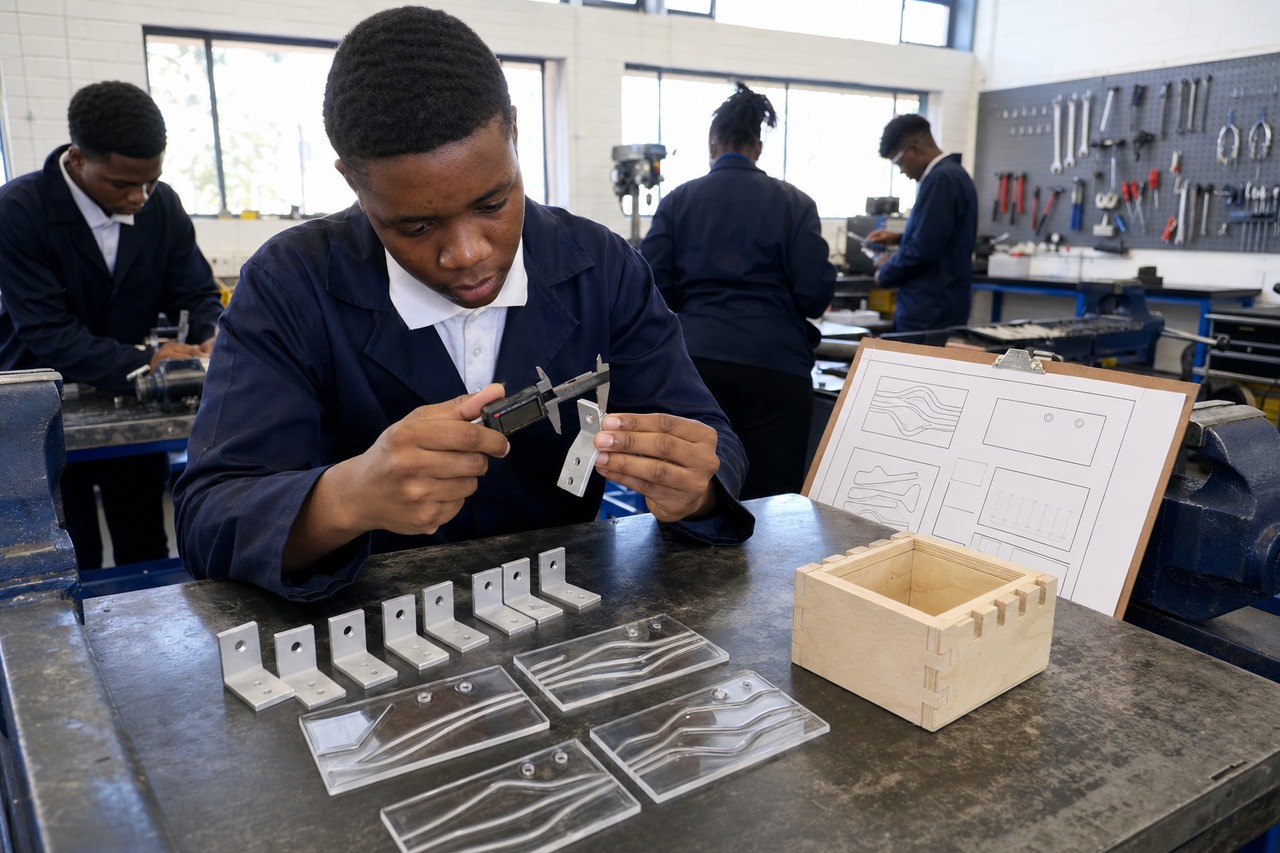
The EasyRoute-Express listing includes a voucher for the CNC Router Course online at AM.CO.ZA’s Ambitious Academy, which suits teachers who want the theory before term starts. The Academy also lists other online courses. AM.CO.ZA’s page on desktop and DIY CNC is a plain read for anyone new to it.
Labs that move on to acrylic name plates and display covers can start from our Acrylic Cell notes on the router. If a desktop laser comes up at the budget meeting, AM.CO.ZA’s TruCUT Desktop video shows a 600 x 400mm desktop laser at work.
Why we point labs to AM.CO.ZA
- One supplier. The router, spindle, inverter, collets and clamps above all come from AM.CO.ZA.
- Engineers on video. machinery.support shows their engineers’ installations, services and repairs.
- Public reviews. 8i.co.za keeps a public list of AM.CO.ZA reviews.
Running a school or maker lab?
Send us the machine model, the bench size and the material your learners cut most, and we will suggest a sensible spares list. You can also start from our general spare list. Use our contact page. For machines and spares, ask for a quote.